
Over 40 years experience of delivering innovation and a dependable service of the highest quality
-
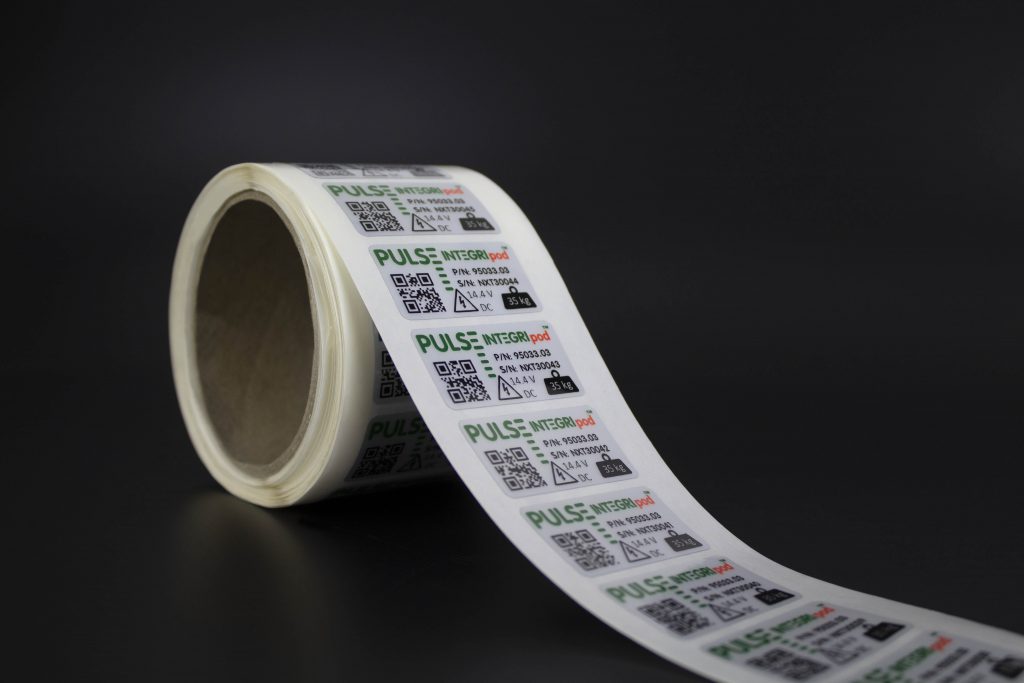
Self Adhesive Labels
Made bespoke utilising superior print techniques and materials.
-
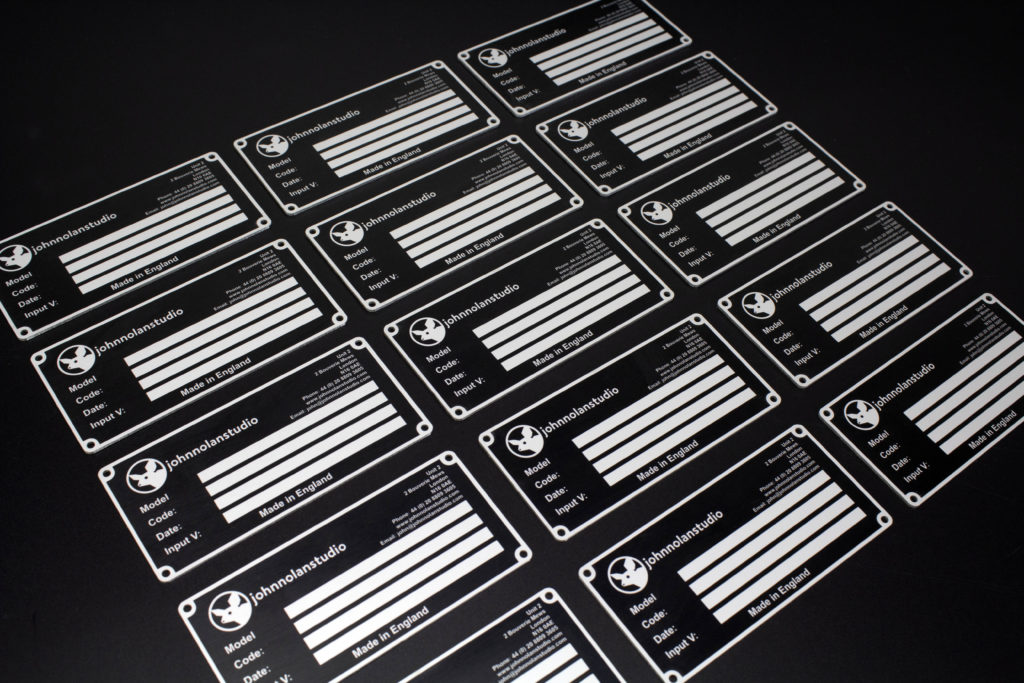
Metal Nameplates
Exceptional print quality with unmatched durability.
-
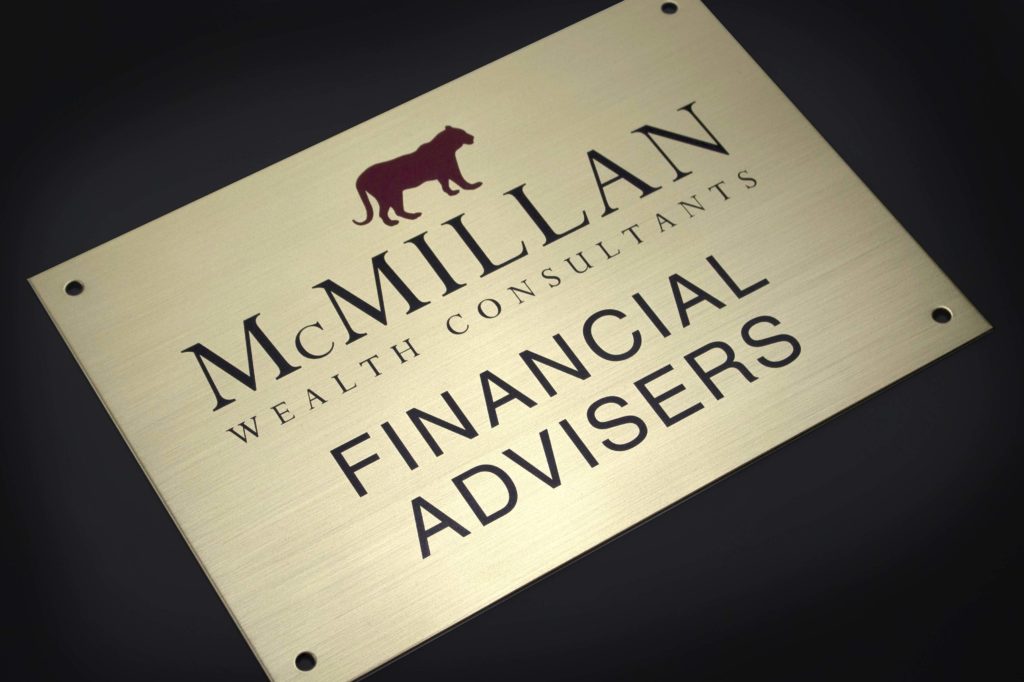
Plaques
Expertly crafted plaques, manufactured to last.
-
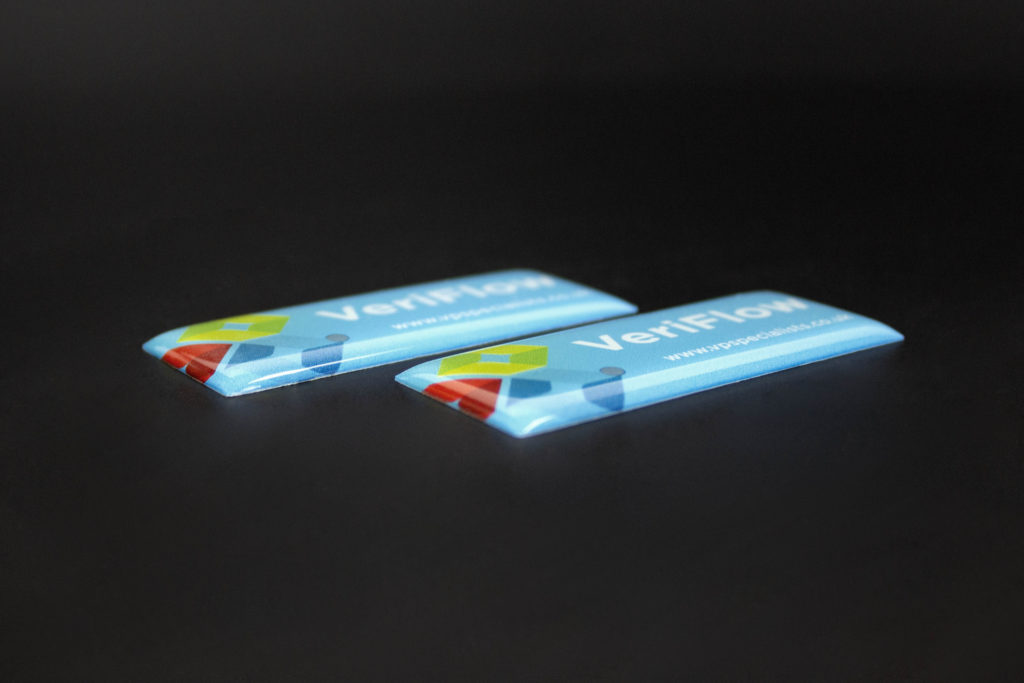
Corporate ID & Badging
The perfect finishing touch to any product. Expertly made.
-
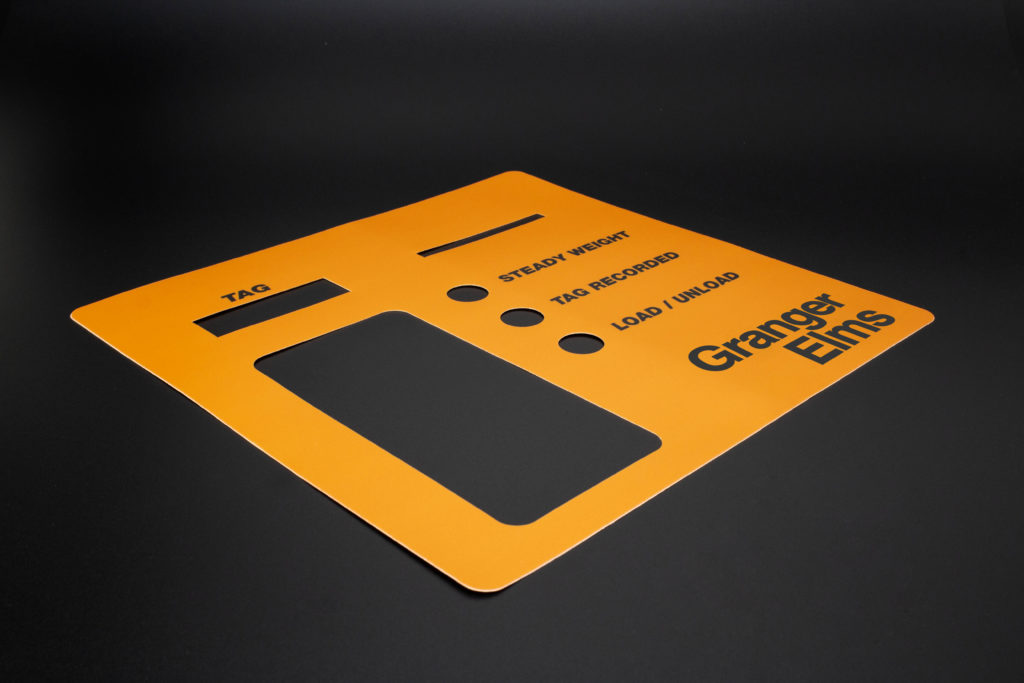
Graphic Overlays
Quality overlays created with premium materials.
-
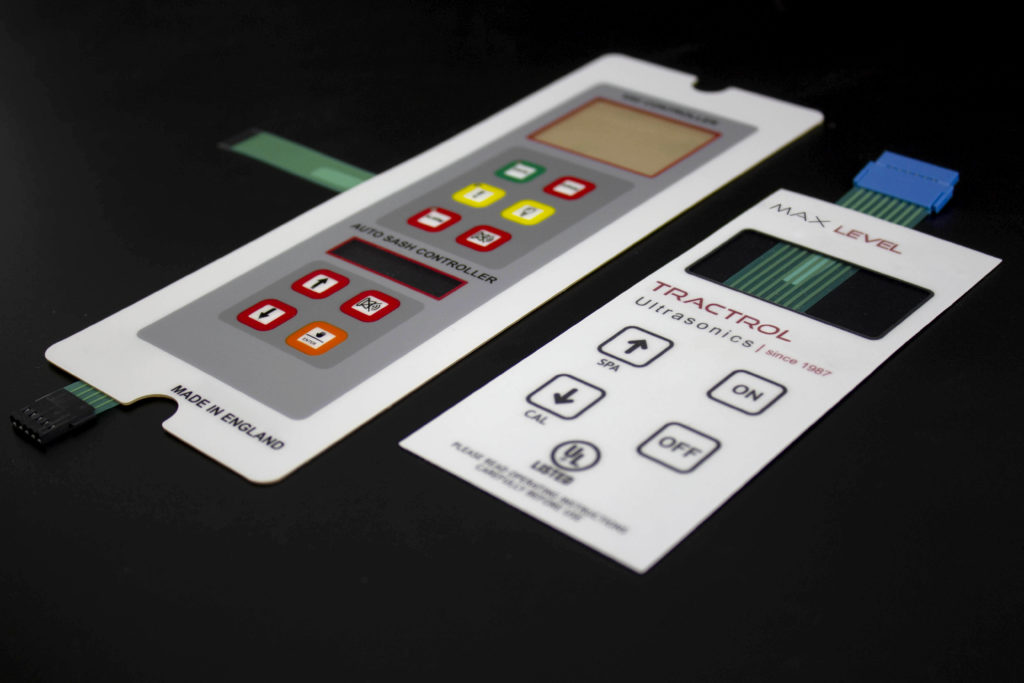
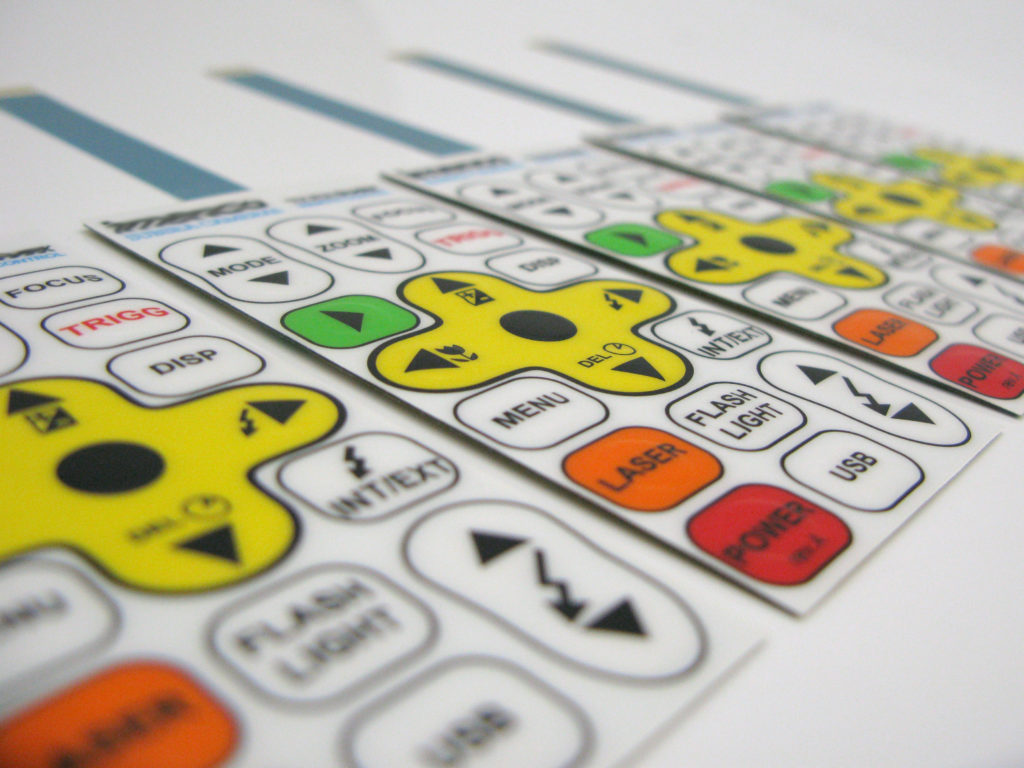
Membrane Keypads
Expertly manufactured for complete reliability.
-
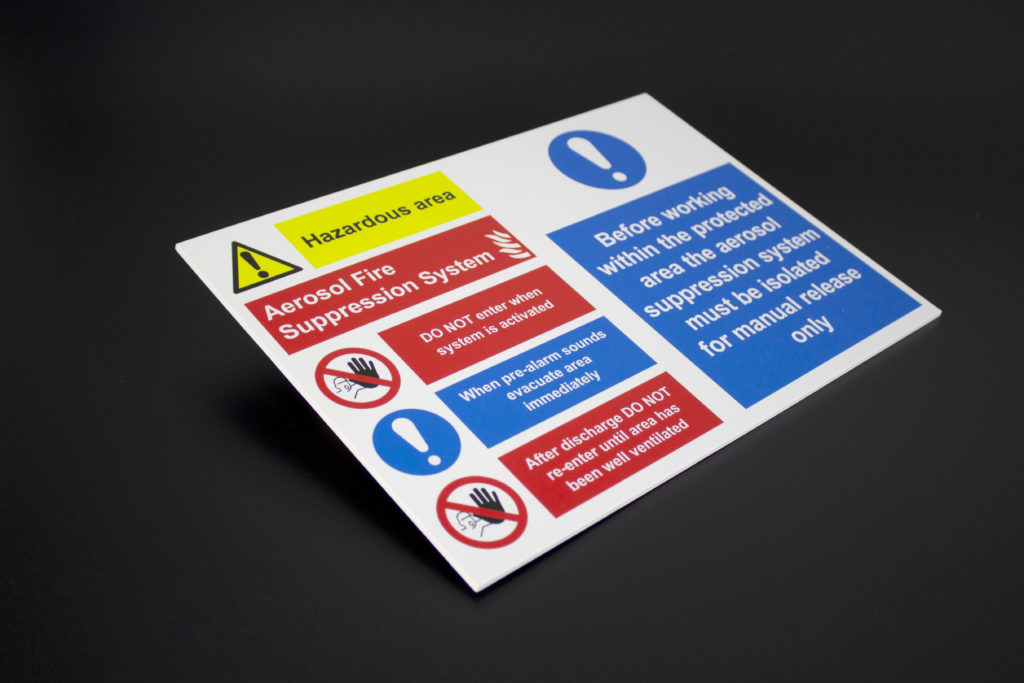
Signs
Eye-catching signage. Designed and crafted to any specification.
-
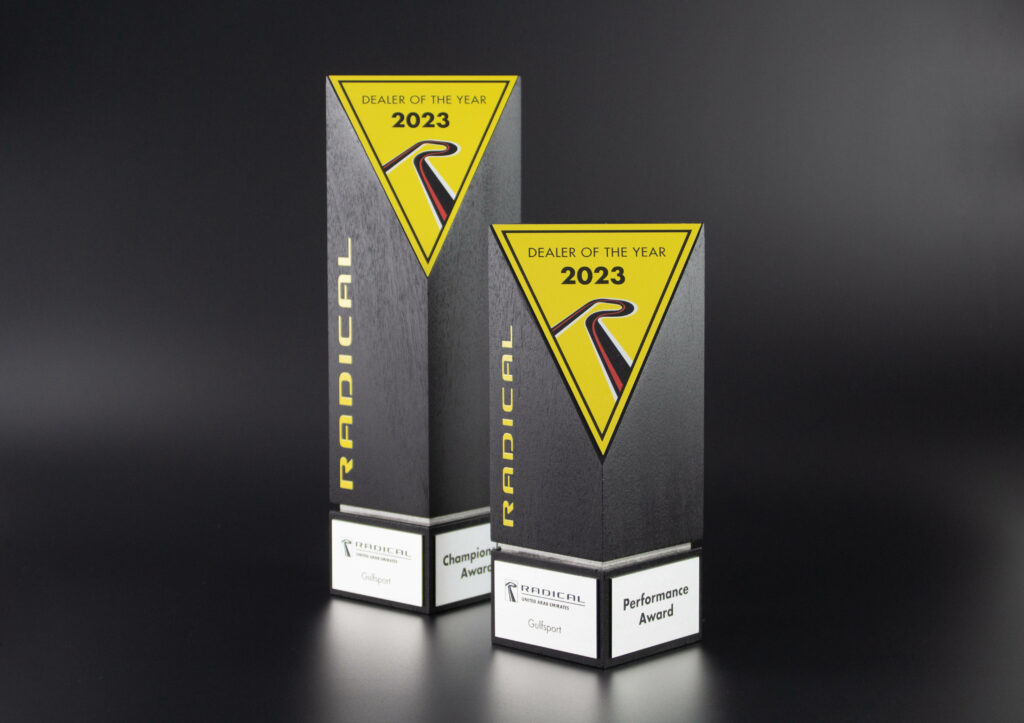
Bespoke Trophies and Awards
Completely bespoke, tailored to your exact requirements
-
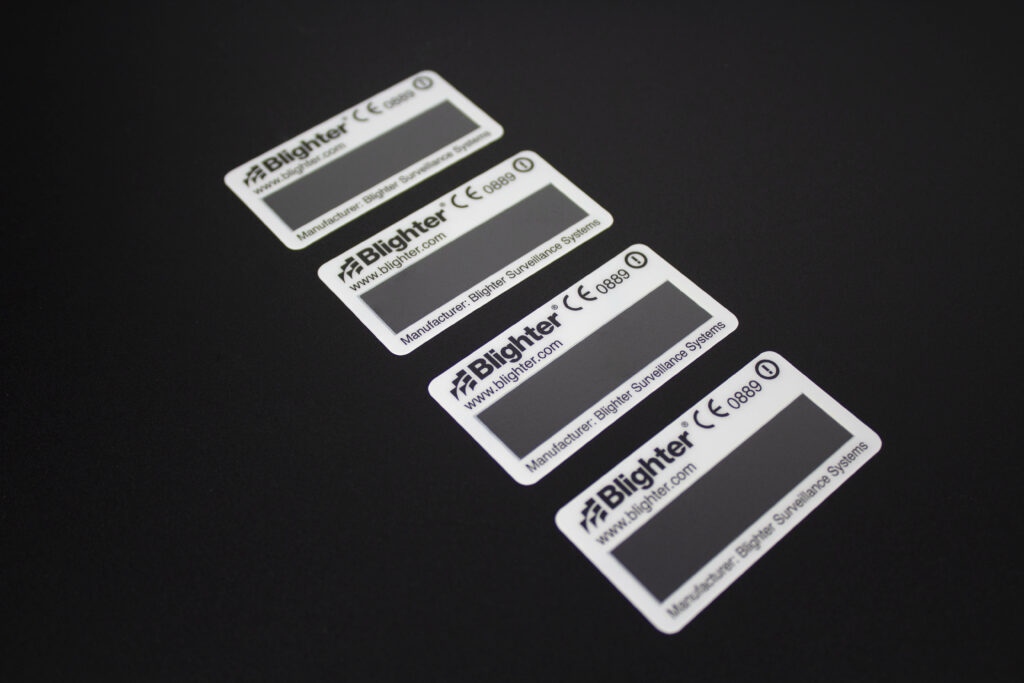
Durable Asset Labels and Tags
Durable asset labels made bespoke to your specification
-
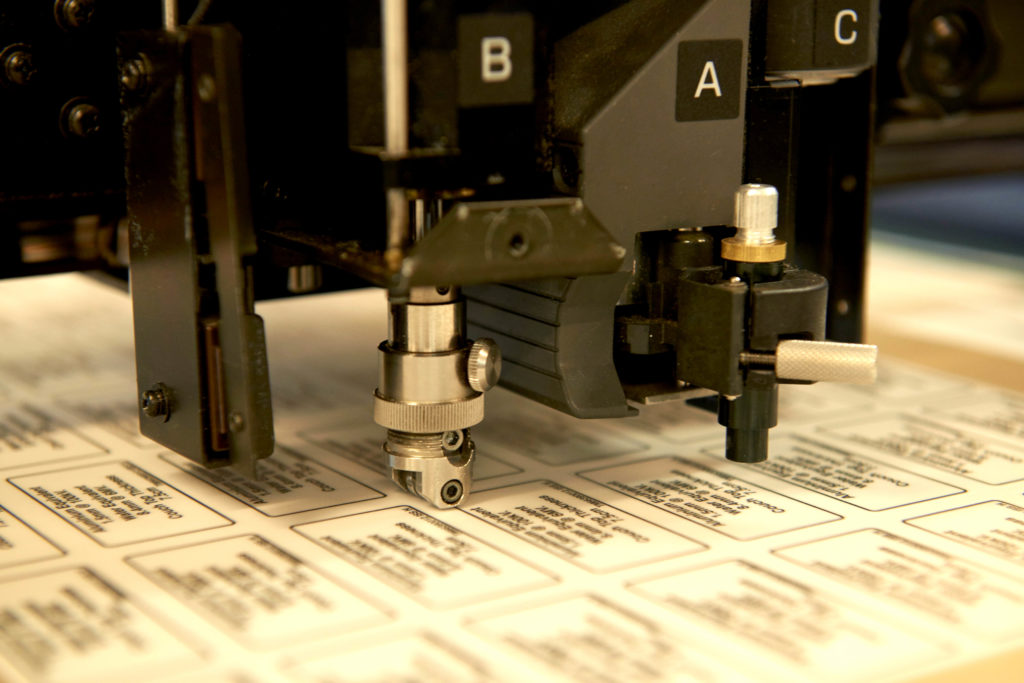
Cutting
Precision cutting of sheet materials using laser, digital and routing capabilities.
-
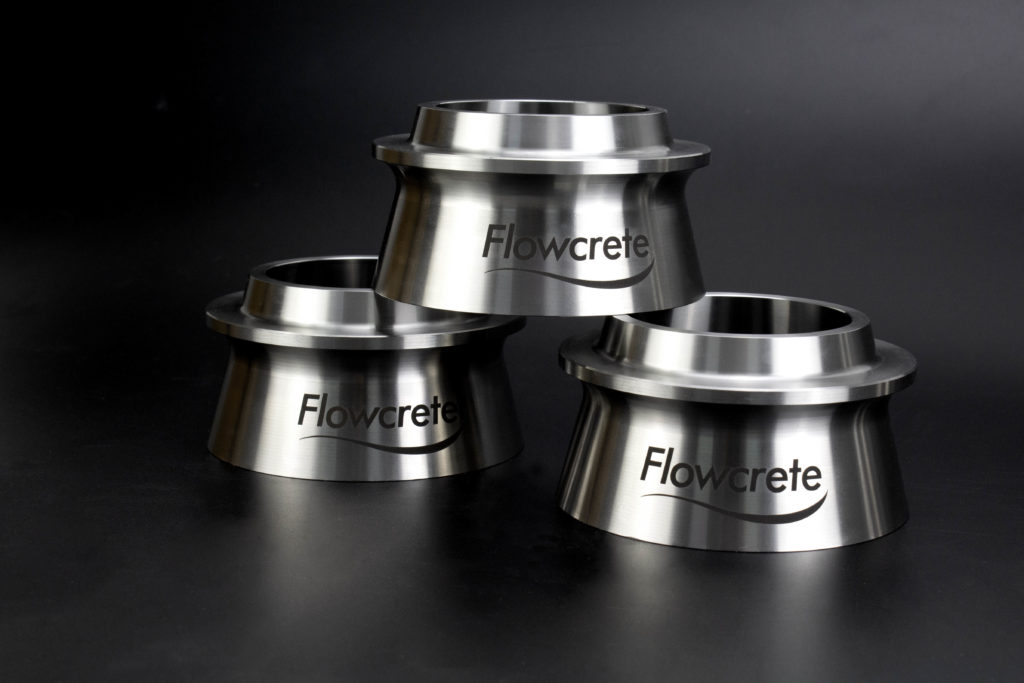
Marking
Permanently mark any surface with precision marking techniques.
-
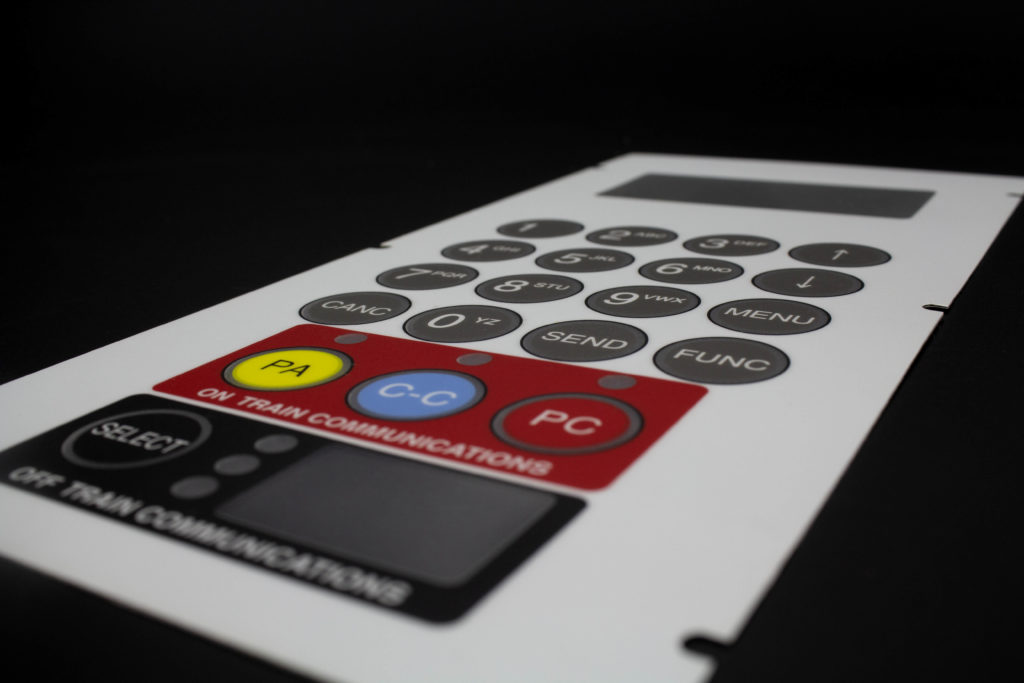
Printing
A diverse range of printing techniques for any application across all industries.
-
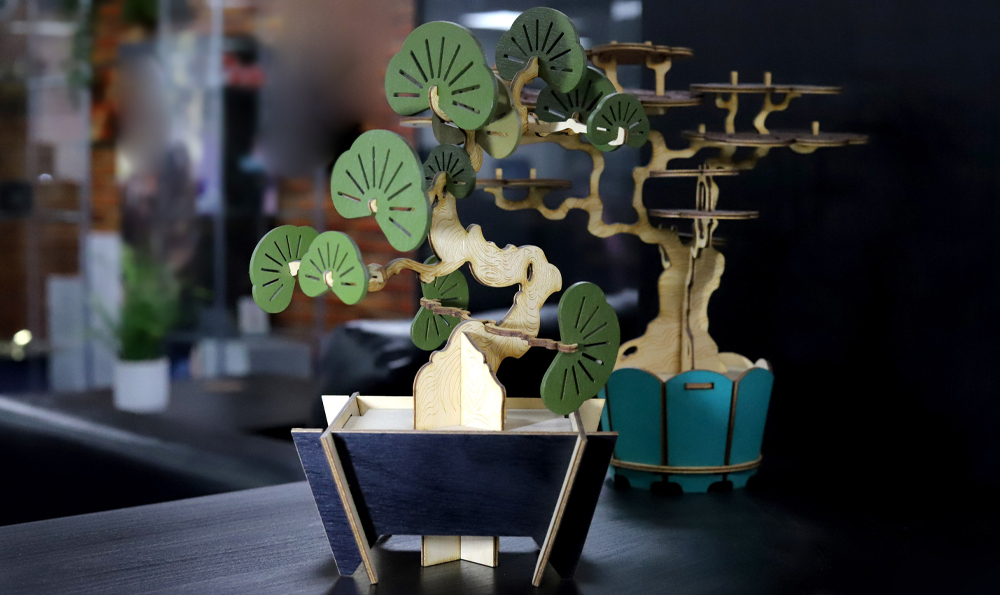
Bespoke
Utilising every facet to create stunning products and displays from any brief
-
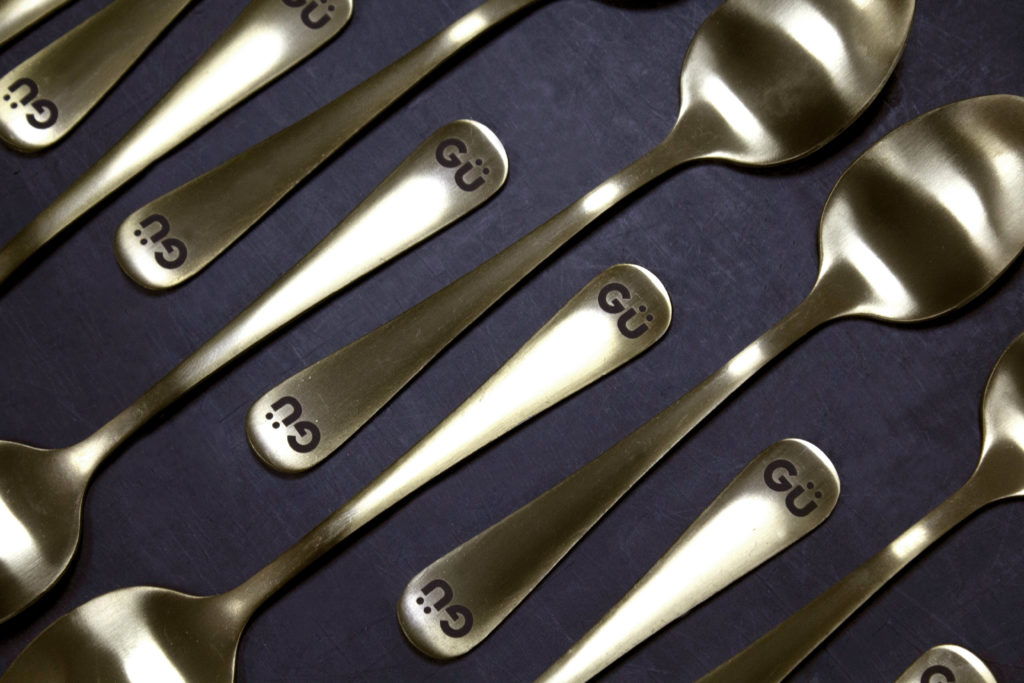
Branding & Personalisation
Uniquely brand or personalise almost any product with one of our many processes
Self Adhesive Labels
Products
Made bespoke utilising superior print techniques and materials.
Metal Nameplates
Products
Exceptional print quality with unmatched durability.
Plaques
Products
Expertly crafted plaques, manufactured to last.
Corporate ID & Badging
Products
The perfect finishing touch to any product. Expertly made.
Graphic Overlays
Products
Quality overlays created with premium materials.
Membrane Keypads
Products
Expertly manufactured for complete reliability.
Signs
Products
Eye-catching signage. Designed and crafted to any specification.
Bespoke Trophies and Awards
Products
Completely bespoke, tailored to your exact requirements
Durable Asset Labels and Tags
Products
Durable asset labels made bespoke to your specification
Cutting
Processes
Precision cutting of sheet materials using laser, digital and routing capabilities.
Marking
Processes
Permanently mark any surface with precision marking techniques.
Printing
Processes
A diverse range of printing techniques for any application across all industries.
Bespoke
Processes
Utilising every facet to create stunning products and displays from any brief
Branding & Personalisation
Processes
Uniquely brand or personalise almost any product with one of our many processes
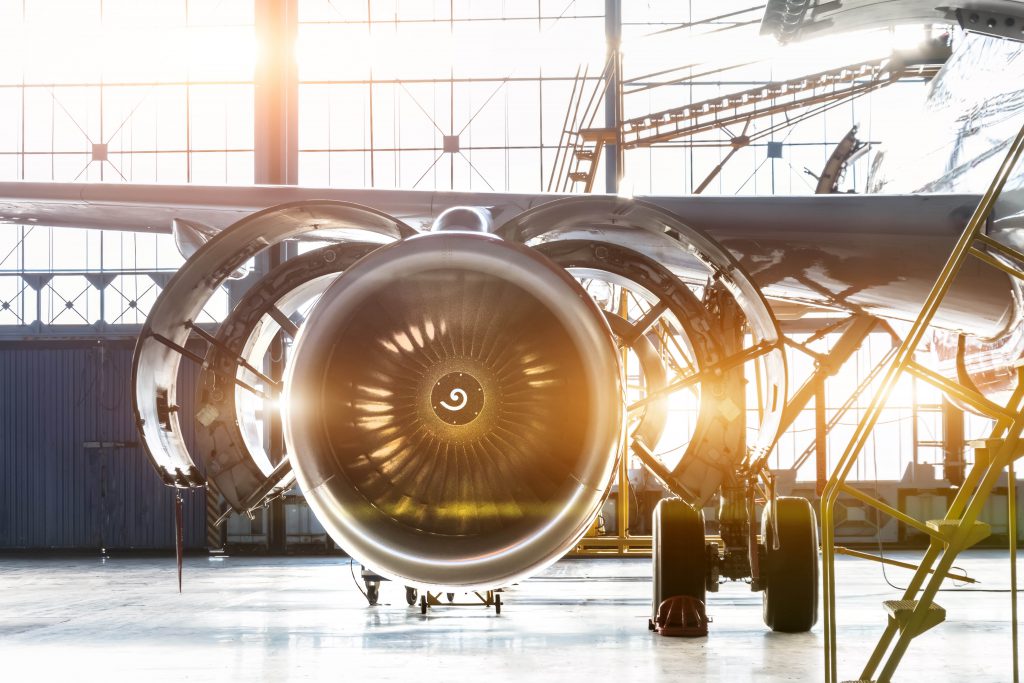
Aerospace
Industries
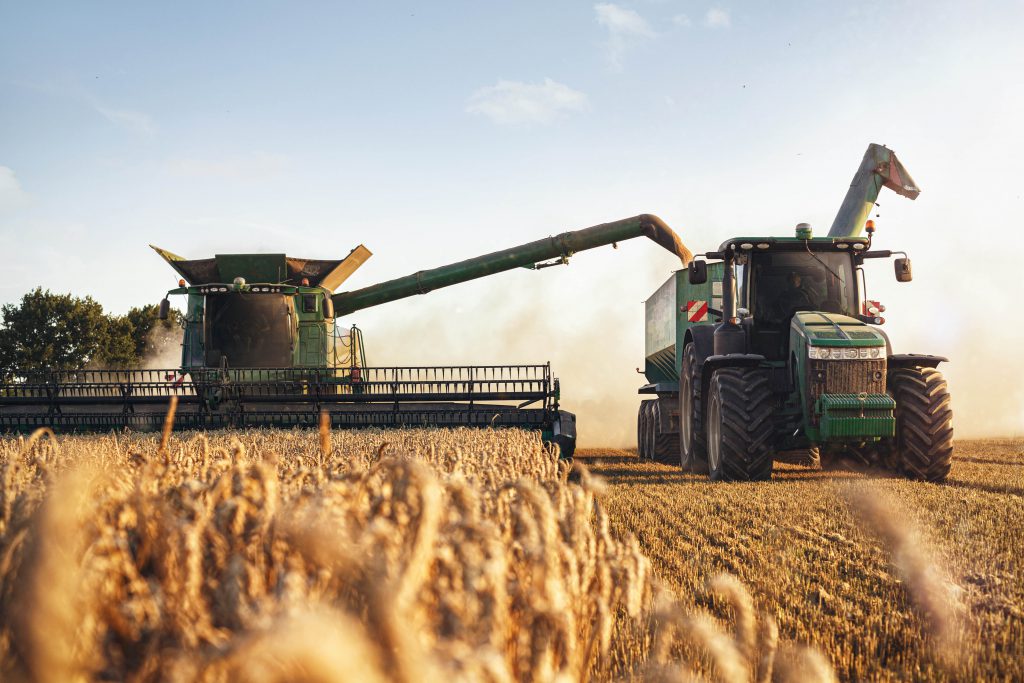
Agricultural
Industries
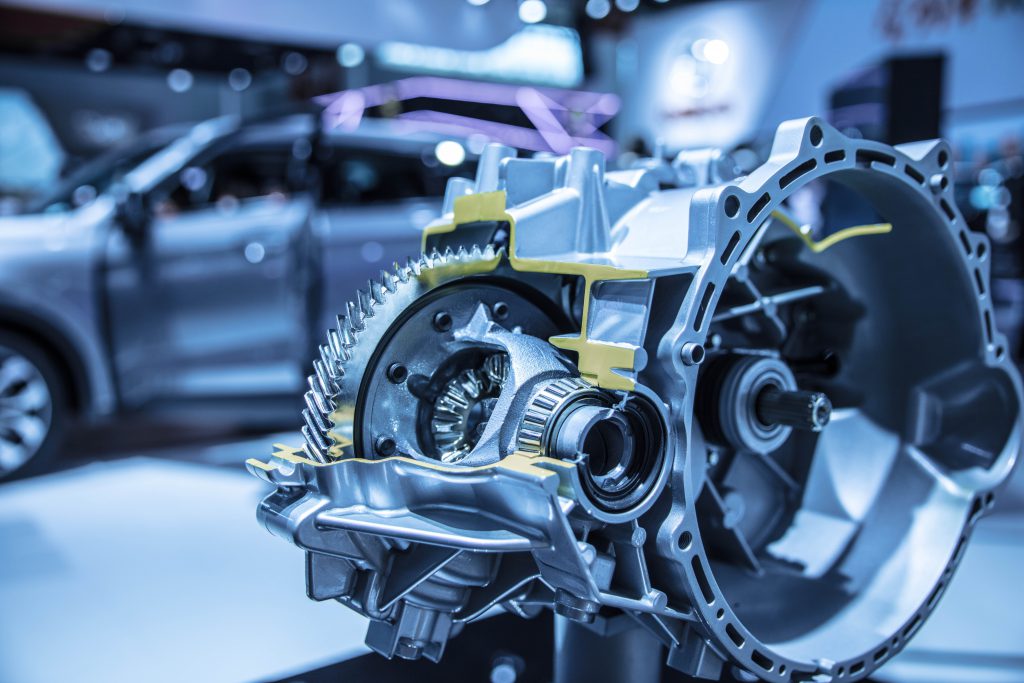
Automotive
Industries
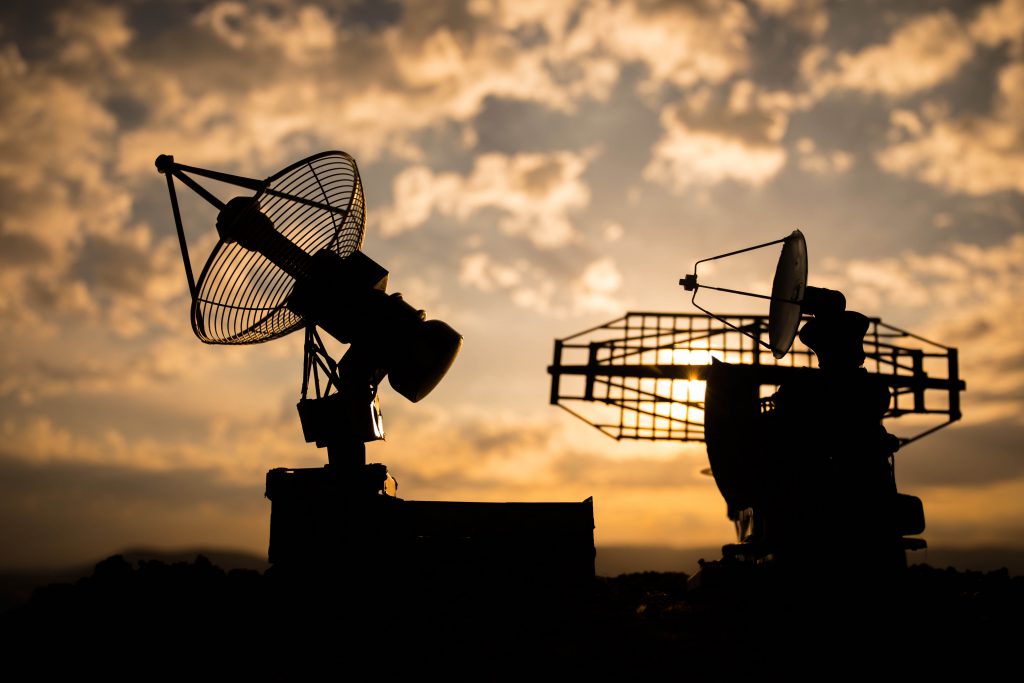
Defence
Industries
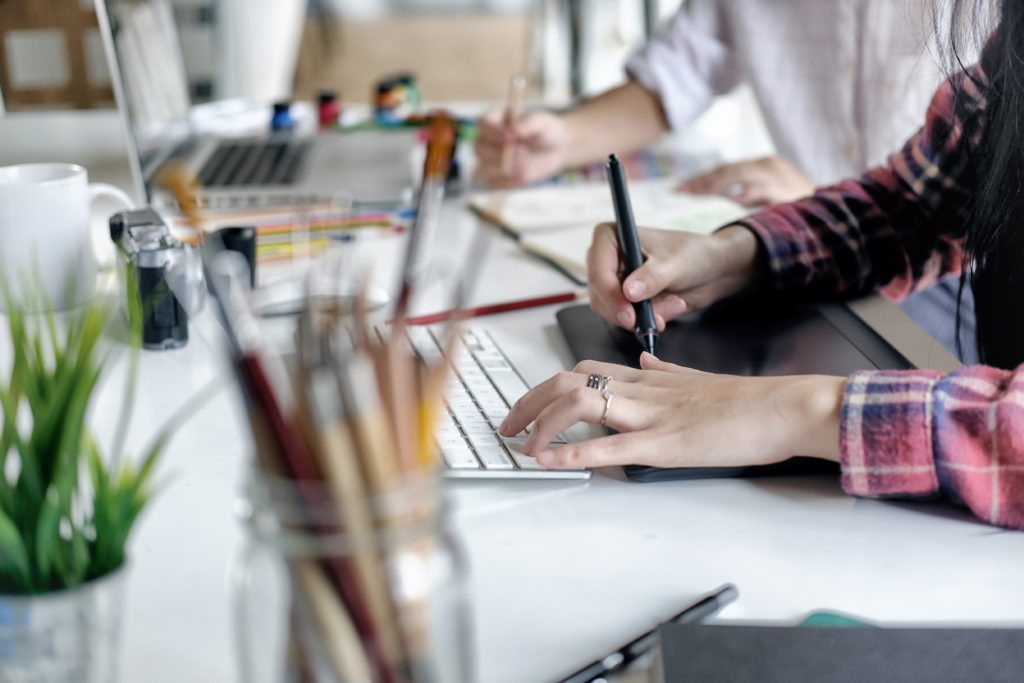
Design Agencies
Industries
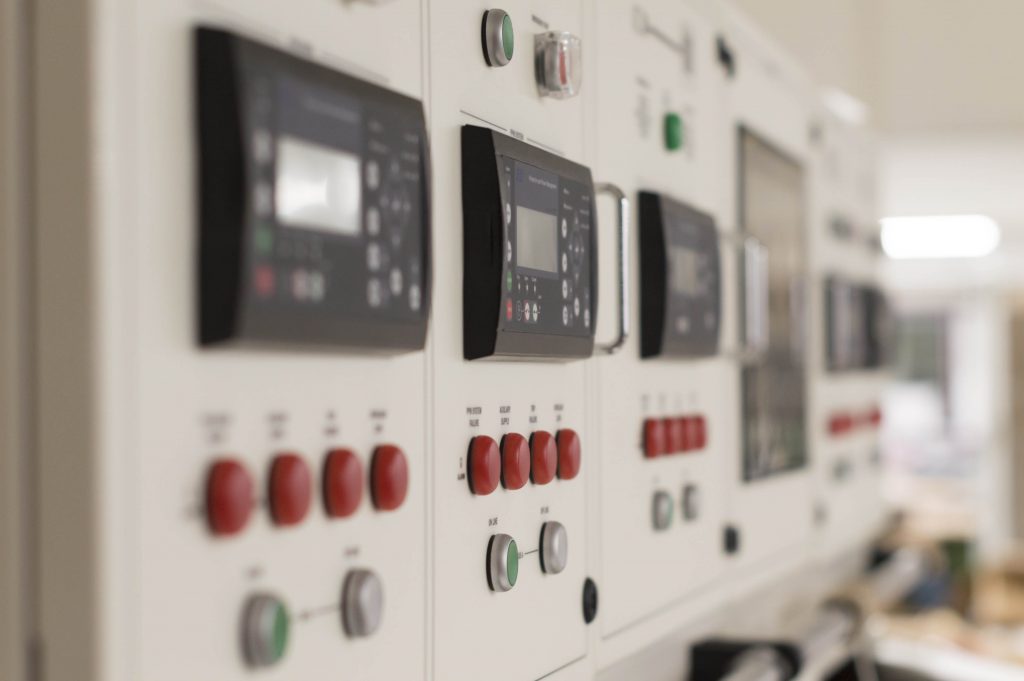
Electronic & Instrumentation
Industries
Entertainment
Industries
Fire & Security
Industries
Hospital & Medical
Industries
Hospitality
Industries
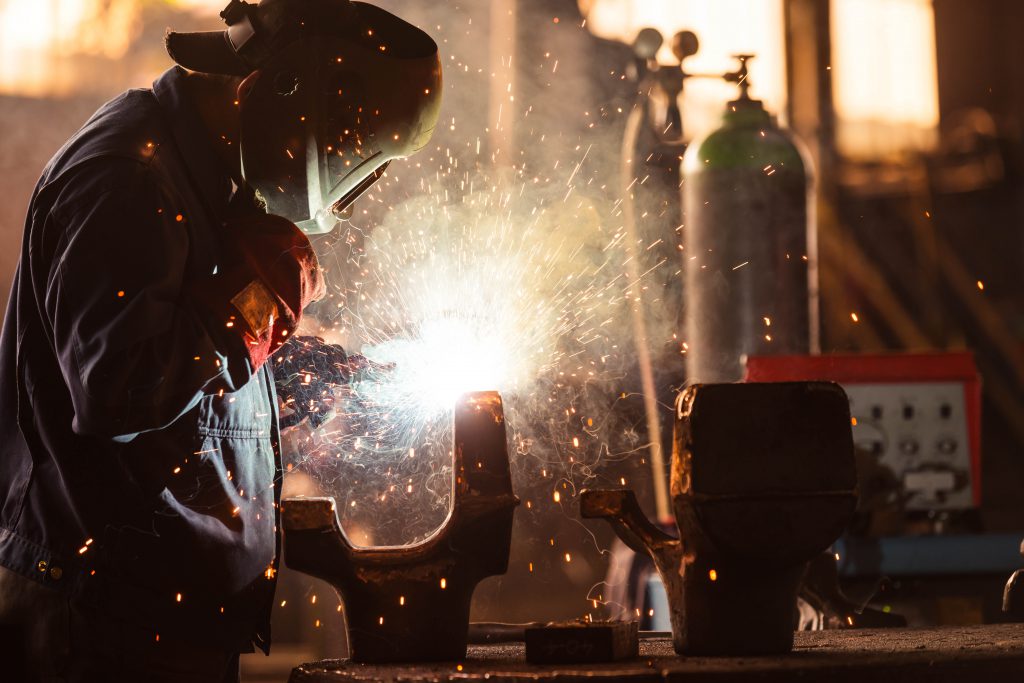
Industrial
Industries
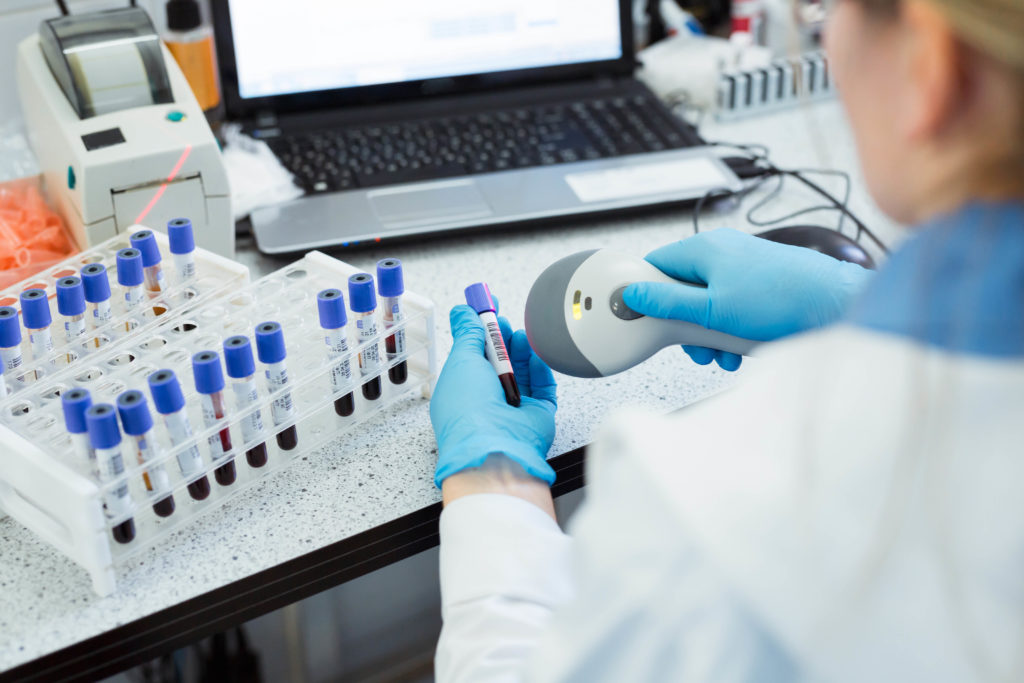
Laboratory
Industries
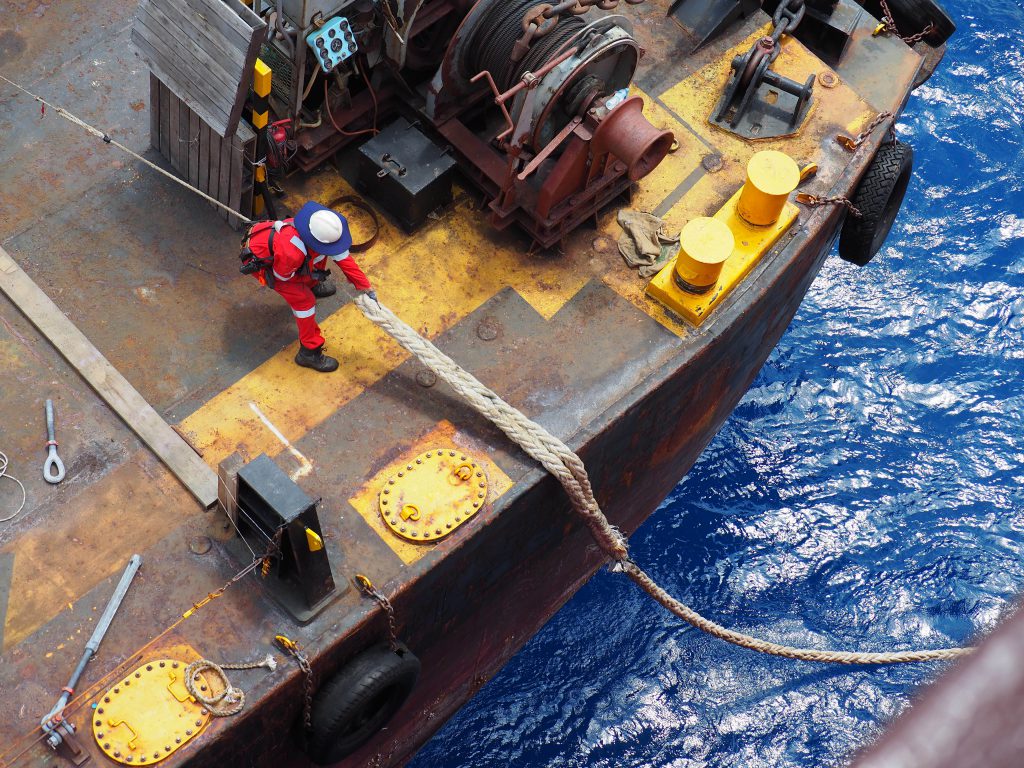
Marine
Industries
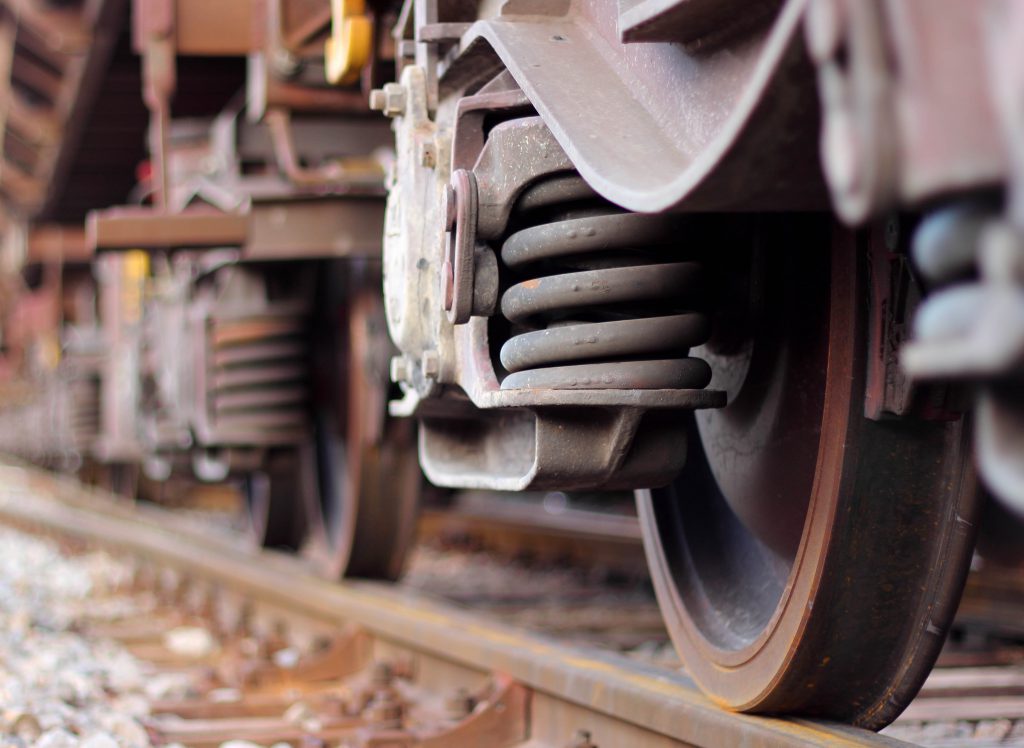
Rail
Industries
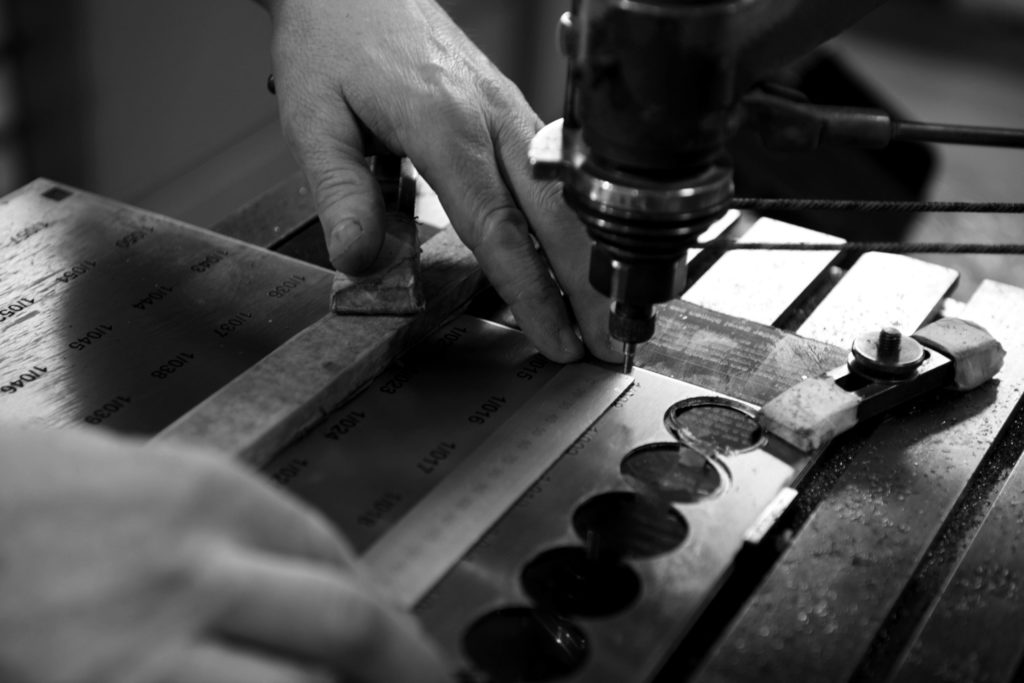
Over 40 years experience of delivering innovation and a dependable service of the highest quality
Understanding your needs
After fully understanding your project we will advise on the best techniques and materials for the job.
Visuals produced for every job
Our design team create digital mockups for approval to ensure every element is perfect before the project moves forward.
Quality assured
Throughout each stage of manufacture, the product is quality checked to ensure it meets our high standards.
Dispatched on time
The products are carefully and securely packed and despatched on time.
Great Companies We Work With
From startups to global brands, repeat work or one-offs, we’re proud to supply our services to everyone.


















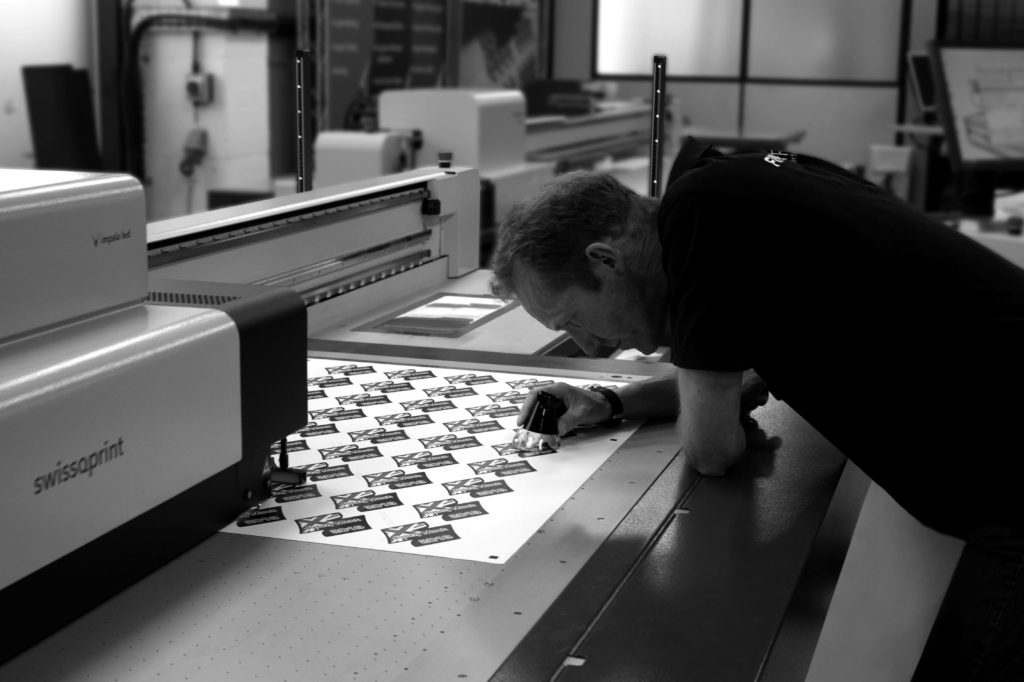
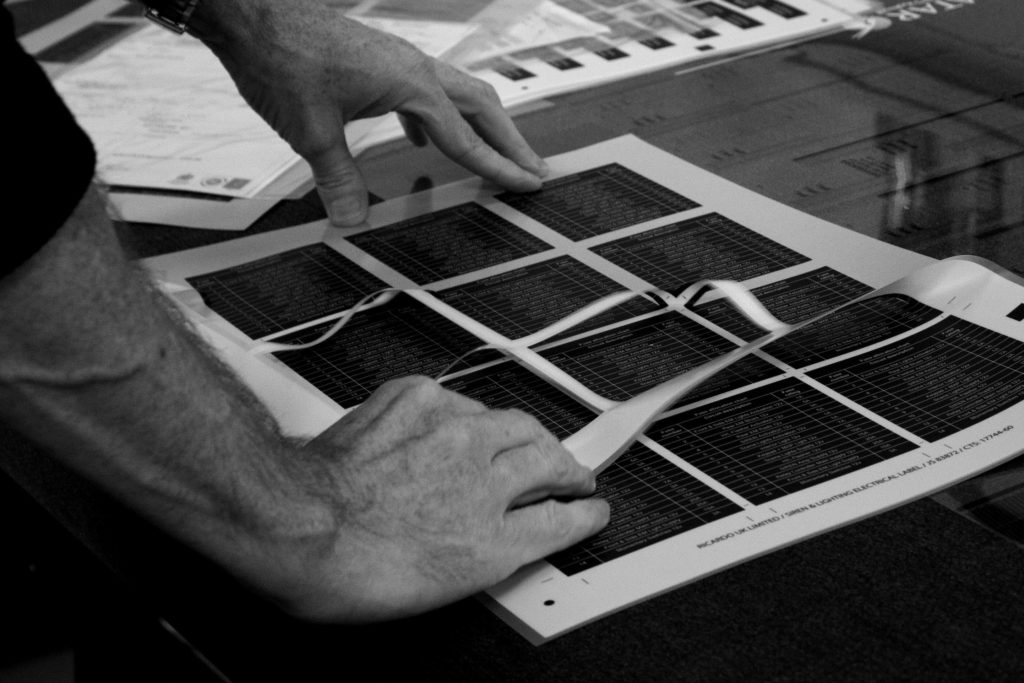
Combining our wide range of solutions with our skilled workforce means, there is always a way
Latest Insights
Browse our curated section of news and useful articles.
Let’s discuss your project.
Whether you have a full brief or just an idea, we’d love to share our expertise with you.
Contact us“Thanks for turning this part around for us so quickly – looks great 🙂”
“They look pretty ‘bl*@dy’ impressive!! Thanks”
“Thank you for helping us to get the flasks engraved so quickly. They look great!”
“Thank you so much for the image its absolutely fantastic, the detail is beautiful! Thank you again you have all been fantastic and so helpful.”